Business automation, McAllen TX
Automate the busywork.
Lead follow-up, CRM workflows, reminders and reports for Rio Grande Valley businesses, built around how you already work.
What's included
The repetitive work, handled.
We start with the task that eats the most hours and automate that first.
Real work
Automation we run every day.
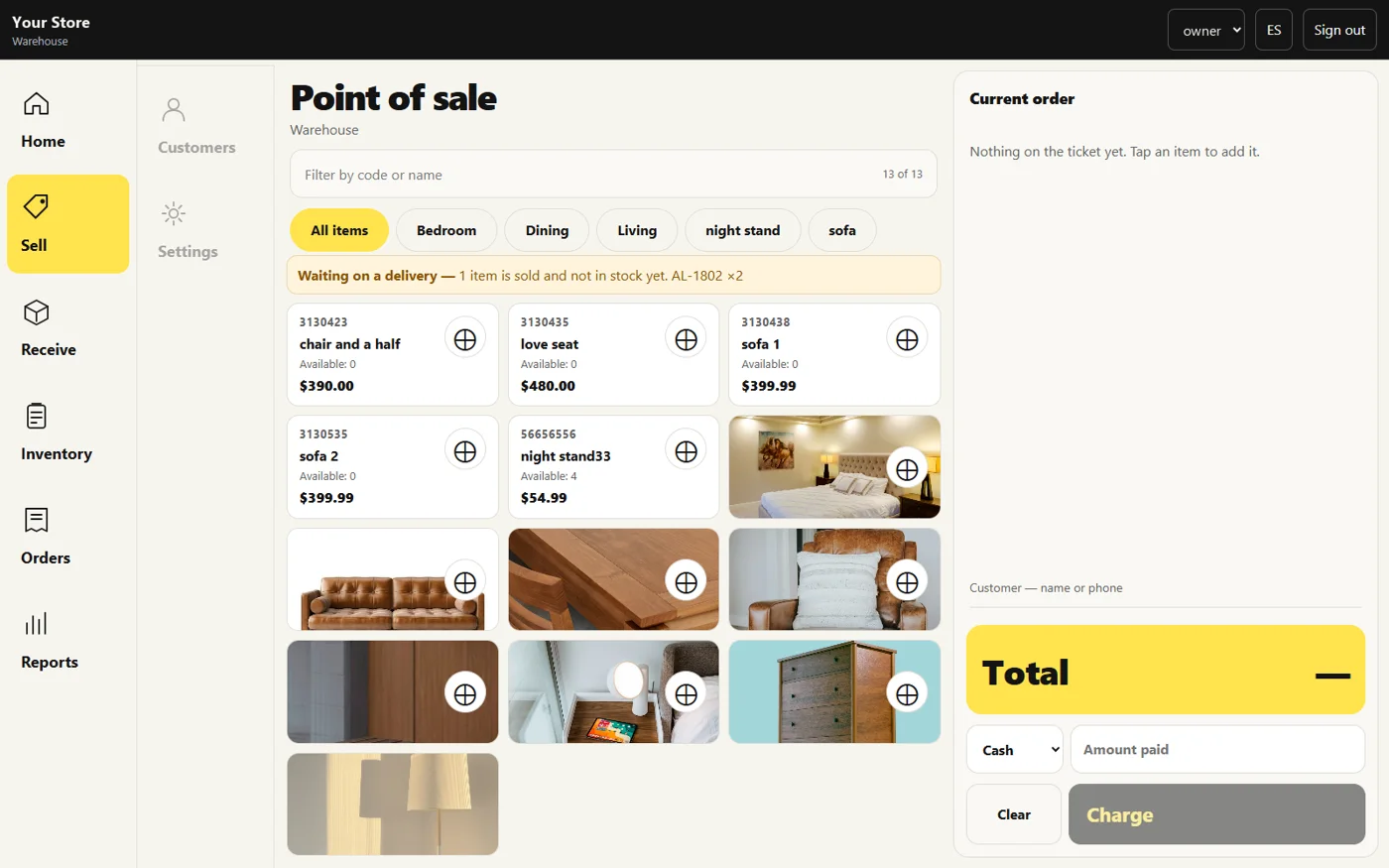
Sales and stock that update themselves
In HS POS Pro a sale updates inventory on its own, so nobody re-counts the shelf to know what is left.
HS POS Pro, running in a real store. Store name hidden.
Rankings checked without anyone checking
Client rankings are collected on a schedule and land in one view, with no one copying numbers by hand.
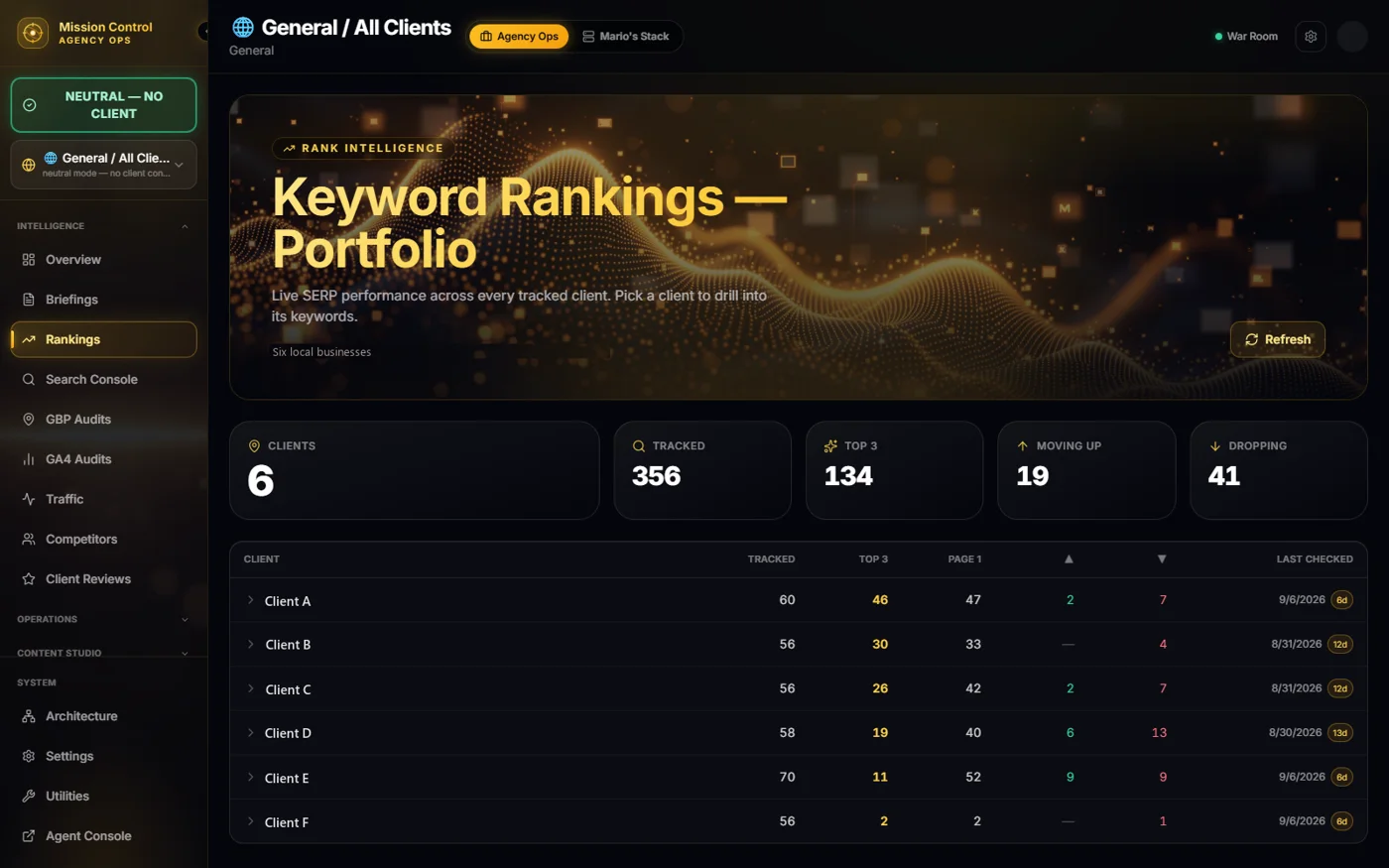
Mission Control rankings view. Client names hidden.
Process
How it runs.
Map
Walk through the task as it happens today.
Design
Decide what the system does and what a person still does.
Build
Connect your tools and test it with real cases.
Run
It goes live and we watch for anything that slips.
FAQ
Quick answers.
How much does automation cost?
It depends on the number of workflows and tools involved. We scope it around your real process.
What tools can you connect?
Most CRMs, calendars, email, text messaging, payment tools, spreadsheets and databases.
Do I need technical experience?
No. We build it and make it simple for your team to use.
How long does setup take?
A single workflow can be quick. Larger multi-tool projects need more planning and testing.
What happens when something breaks?
We watch the systems we build and fix what fails.
Get a quote
Tell us what takes too long.
Describe the task your team repeats every day, and we'll tell you how we'd automate it.